
How to Log In to Be Heard
To access the platform, contact your system administrator for the direct link to your organization's Be Heard portal.
Steps to Log In
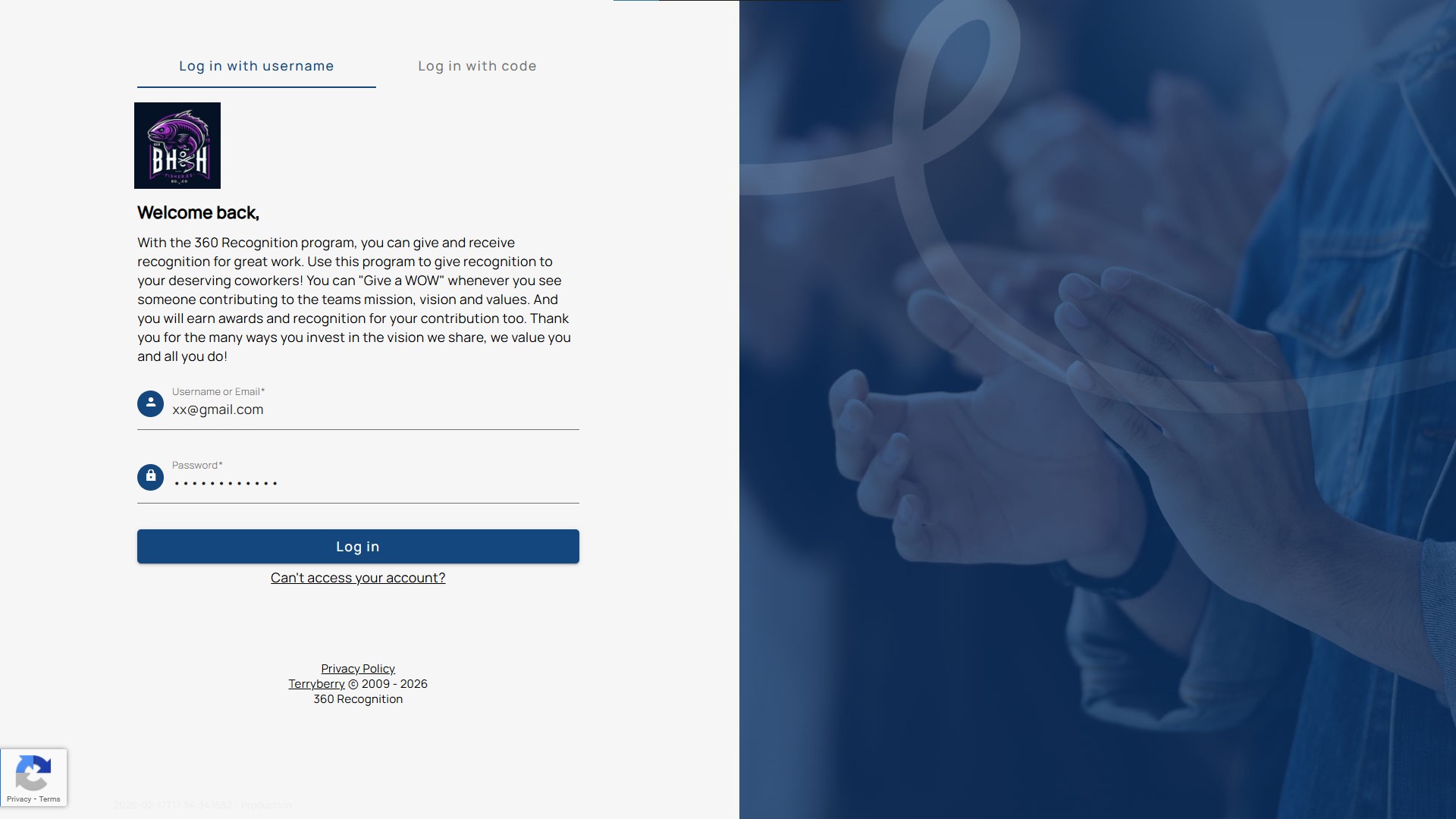
When you receive your “Welcome, [Name]” email from the Admin, click the link to get started.
You have two login options:
- Username and password
- Login code (for users without an email address).
First-Time Login:
- Enter your username.
- Set your password.
- Check your email for a password reset message.
- Confirm your email to complete the setup.
Returning Login:
- Go to the login page.
- Enter your username and password.
- If you forget your password, use the "Can't access your account?" link to reset it.
How to Reset Your Password
- On the login page, select "Can't access your account?"
- Enter the email address linked to your account.
- Check your inbox for a password reset email.
- The link is valid for 24 hours.
- If it expires, request a new reset.
- Click the reset link in the email.
- Create and confirm your new password.
- Log in using your updated credentials.
Tip: Use a strong, unique password. Avoid easily guessed details, like birthdays or simple patterns.