
Ways to Save
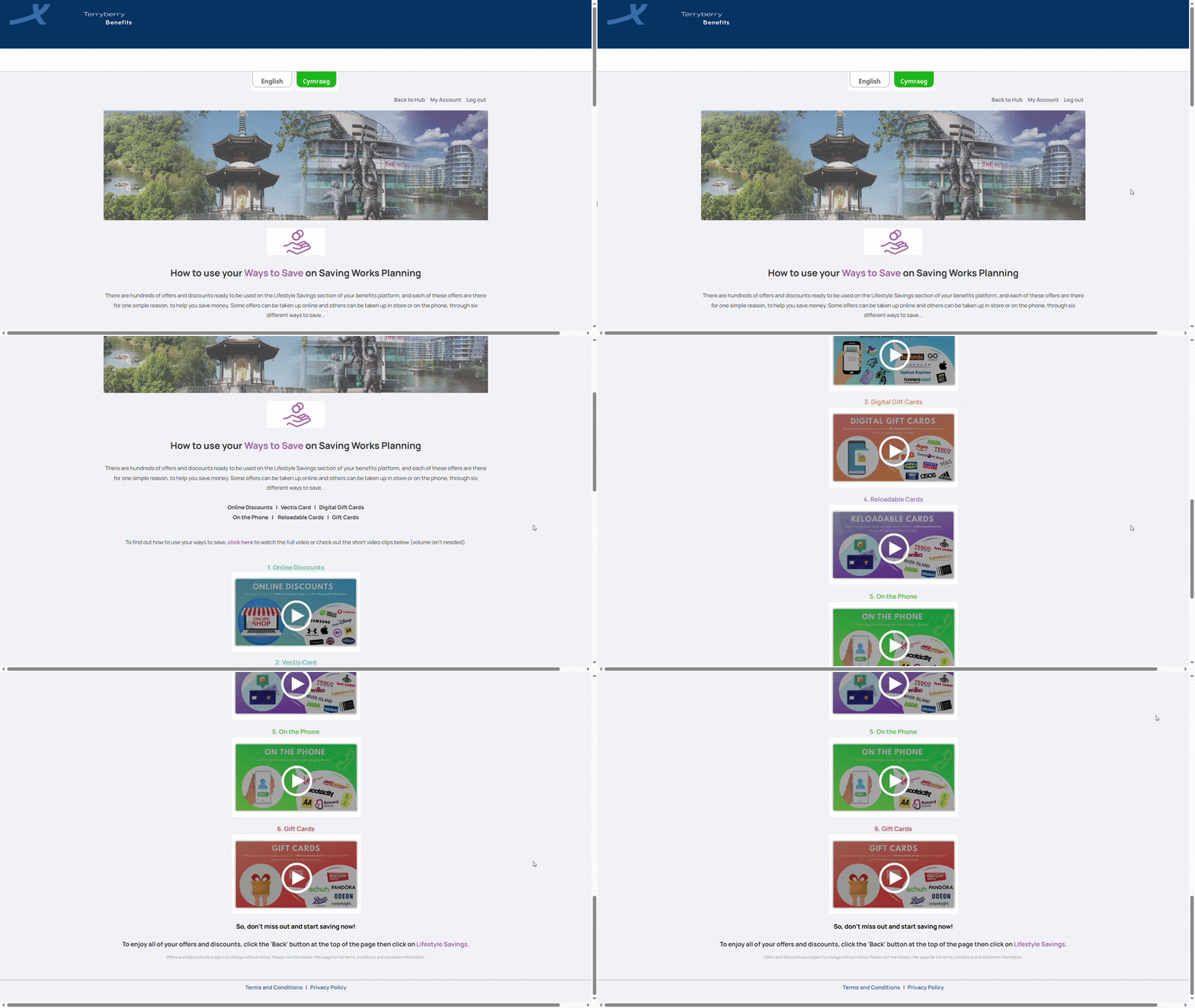
Ways to Save highlights six main formats, each explained with a short video for clarity:
Online Offers
Online Offers let you save directly with retailers through two methods: discount codes and pre-discounted websites. These can be applied easily at checkout when shopping online.
How it Works
- Go to Lifestyle Savings → Categories. Use the search bar to look for specific brands, products, or keywords. On the left-hand side, apply filters to narrow results by category and offer type.
- Offer Toggle: Choose whether you want to see All, Online, or In Store offers using the toggle above the results.
- Browse Offers: Each retailer appears as a card displaying their logo, discount headline, and a link to view all offers. You can also mark offers as a favorite using the star icon for quick access later.
- Discount Codes: Some offers display a “Get Code” button. Clicking this reveals your unique discount code, which is automatically copied. Use “Use Offer” to visit the retailer’s site and paste the code at checkout.
- Pre-discounted Websites: Other offers redirect you straight to a partner website where the discount is already applied—no code needed.
- Favorites: Save frequently used offers by clicking the star icon. Access them any time under your My Favourites page.
Tip: Scroll to the bottom of the results page and click Load More to continue browsing additional offers.
In-Store Offers
In-Store Offers let you save money when shopping or dining. These offers are tied to specific locations, making it easy to find discounts near you.
How it Works
- Step 1: Go to Lifestyle Savings
- Search for Offers
- Toggle between Online or In-Store to view the right type.
- Enter your location to pull up offers from local retailers and national brands.
- Use filters to narrow results by category and offer type so only relevant offers appear.
- Step 2: Add to Wallet
- On the offer page, click Add to Wallet.
- Use the Locations dropdown to see where the offer can be redeemed.
- Your Wallet stores all saved in-store offers in one place for easy access on the go.
- Step 3: Redeem In-Store Offers
- Open your Wallet by tapping the wallet icon at the top of the page.
- Select the offer to view your digital Vectis Card.
- Show your digital card at the till (or when paying the bill) to redeem.
- You can remove offers from your Wallet at any time by tapping the Wallet icon again.
- Step 4: Favourite Offers
- Click the star icon on any offer to save it to Favourites.
- This lets you return to offers you use most without searching again.
- View all saved offers in your Favourites list.
Tip: Add offers to your Wallet in advance. This makes them quicker to redeem when you’re out shopping or dining.
Digital Gift Cards
Digital Gift Cards allow you to make ongoing savings by purchasing gift cards at a discounted rate, then using them online or in-store at participating retailers. This means you can stack savings on top of existing sales and promotions.
How It Works
- Step1 : Search for Digital Gift Cards
- In Lifestyle Savings, select Digital Gift Cards under Offer Type in the left-hand filters.
- Use the toggle at the top (All, Online, In Store) to refine where the card can be used.
- Enter a brand, product, or keyword in the search bar to locate specific offers.
- Click Apply Filters to update the results list.
- Step 2: Browse and Choose an Offer
- Each retailer is displayed as an offer card showing the brand logo, discount headline (e.g., “8% off Tesco Digital Gift Cards”), and a “View all offers” link for more details.
- You can mark cards with the star icon to save them into Favourites for quick access later.
- Step 3: Purchase a Gift Card
- Click Use Offer to be taken to the supplier’s purchase page.
- Choose the value of the card, select the quantity, and add it to your basket.
- Enter your email address (or a recipient’s email) to receive the gift card digitally
- Complete the checkout and payment process.
- Step 4: Redeem and Save
- Your Digital Gift Card will be delivered to the chosen email address instantly.
- Use it online or in-store depending on the retailer’s terms.
- The discount is already applied at the point of purchase, so you immediately spend less than face value.
Tips:
- Always check the card redemption instructions before purchasing to understand where and how it can be used.
- Add favourite offers to your Wallet or Favourites so you don’t have to search again.
Reloadable Cards
Order physical cards that you can top up at a discounted rate and use multiple times, both online and in-store. These are physical cards you load with money at a discounted price.
How it Works
- Step 1: Go to Lifestyle Savings
- Search for your preferred Offers
- In the left-hand sidebar, select Reloadable Cards as the offer type.
- Apply filters to narrow by category or type.
- Use the toggle to switch between online, in-store, or both.
- Search by brand, product, or keyword to find specific cards.
- Step 2: How to Purchase Reloadable Cards
- Choose the card value and the number of cards you want.
- Click Use Offer to be redirected to the supplier’s site.
- At checkout, complete payment and delivery details.
- Your card will be delivered to your chosen address.
Tip: Check redemption instructions so you know where and how the card can be used.
- Step 3: How to Top Up Your Card
- If you already own a reloadable card, you can keep topping it up at a discounted rate.
- Enter payment details to add funds.
Tip: Check your balance before topping up, as some cards have a maximum load limit. Allow a couple of days for the updated balance to reflect before shopping.
On the Phone
Call a dedicated number and quote the provided code to redeem savings on select services. Quote the discount code shown on the offer page to receive your saving.
How it works
- Step 1: Go to Lifestyle Savings
- Search for Offers
- Use the filters to switch between All, Online, and In-Store offers.
- Search by brand, product, or keyword to find relevant phone offers.
- Apply filters for offer categories and offer types so only relevant results appear.
- Step 2: Accessing the Code
- Open your chosen offer page.
- Read the redemption instructions carefully.
- Locate and note down the bolded discount code displayed.
- Step 3: Redeeming the Offer
- Call the number provided by the partner.
- Quote the discount code to the representative over the phone.
- The discount will be applied directly when you complete your booking or purchase by phone.
Tip: Always check the terms and conditions of the offer. Some may have restrictions such as limited booking times, minimum spends, or single-use codes.
Gift Cards
Buy physical gift cards at discounted rates for use at a variety of retailers. Digital Gift Cards are physical cards you can buy at a discounted price to spend in-store or online across multiple retailers.
How it works
- Step 1: Go to Lifestyle Savings
- Search for Offers
- Select “Gift Cards” under Offer Type.
- Choose your preferred offer categories.
- Use the toggle to switch between Online, In-Store, or Both options.
- Search by brand, product, or keyword to quickly locate the right offer.
- Apply filters to narrow results before proceeding.
- Step 2: How to Purchase
- On your chosen brand’s offer page, click Use Offer.
- Enter the card value and quantity you want to purchase.
- Add your selection to the basket.
- Complete checkout by providing payment and delivery details, then click Pay Now.
- Your card will be delivered to the address provided, ready for use.
Tip: Always check the redemption instructions for each card before purchase so you know exactly how and where it can be spent.