
What is Be Recognized?
What is Be Recognized?
Be Recognized is Terryberry's recognition platform that helps organizations celebrate employee contributions and milestones. The platform supports recognition across multiple levels, from corporate awards and service anniversaries to peer-to-peer recognition and manager-led appreciation, with features that scale based on your organization's subscription tier.
Be Recognized aligns recognition with your company's mission, vision, and values, reinforcing the attitudes, behaviors, and contributions that drive your culture forward.
Subscription Tiers
Be Recognized offers four subscription levels, each building on the previous tier's capabilities:
Award – Corporate awards and gifting tool for formal recognition programs
Core – Automated service anniversary recognition (includes Award features)
Plus – Social recognition with peer-to-peer and manager spot recognition, nominations, approvals, and points funding (includes Award and Core features)
How Different Roles Benefit from Be Recognized
Be Recognized supports every level of your organization by making recognition easy, meaningful, and aligned with company goals.
| Subscription | Admin | Executive | Manager | Employees |
| Award | Send Awards to employees in recognition of the attitudes, behaviors, and contributions that move the business forward. | Receive and redeem awards in gratitude of workplace contributions. | ||
| Core | “Award” + Tools to manage and automate Service Anniversary Recognition. | “Core Manager” + ENPs & Retention scores leveraging Recognition data. | Contribute messages of gratitude in Celebration of employee Service Anniversaries and career contributions.
| “Award” + Contribute messages of gratitude in Celebration of employee Service Anniversaries and career contributions.
|
| Plus | “Award” + “Core” + Tools to manage and oversee a Social Recognition program, complete with peer to peer, manager, life event, and incentive-based recognition. | “Core” + Recognition Tools and detailed engagement trends highlighting the impacts of recognition on employee sentiment surrounding leadership, empowerment, and belonging in the workplace. | “Core” + Dashboards for monitoring team/org participation, and spot recognition tools that can tie back to personal recognition budgets.
| “Award” + “Core” + Peer to Peer recognition tools, empowering employees to celebrate the hardwork and contributions of their team in accordance with the Mission, Vision, Values of the org. |
How to Use Be Recognized
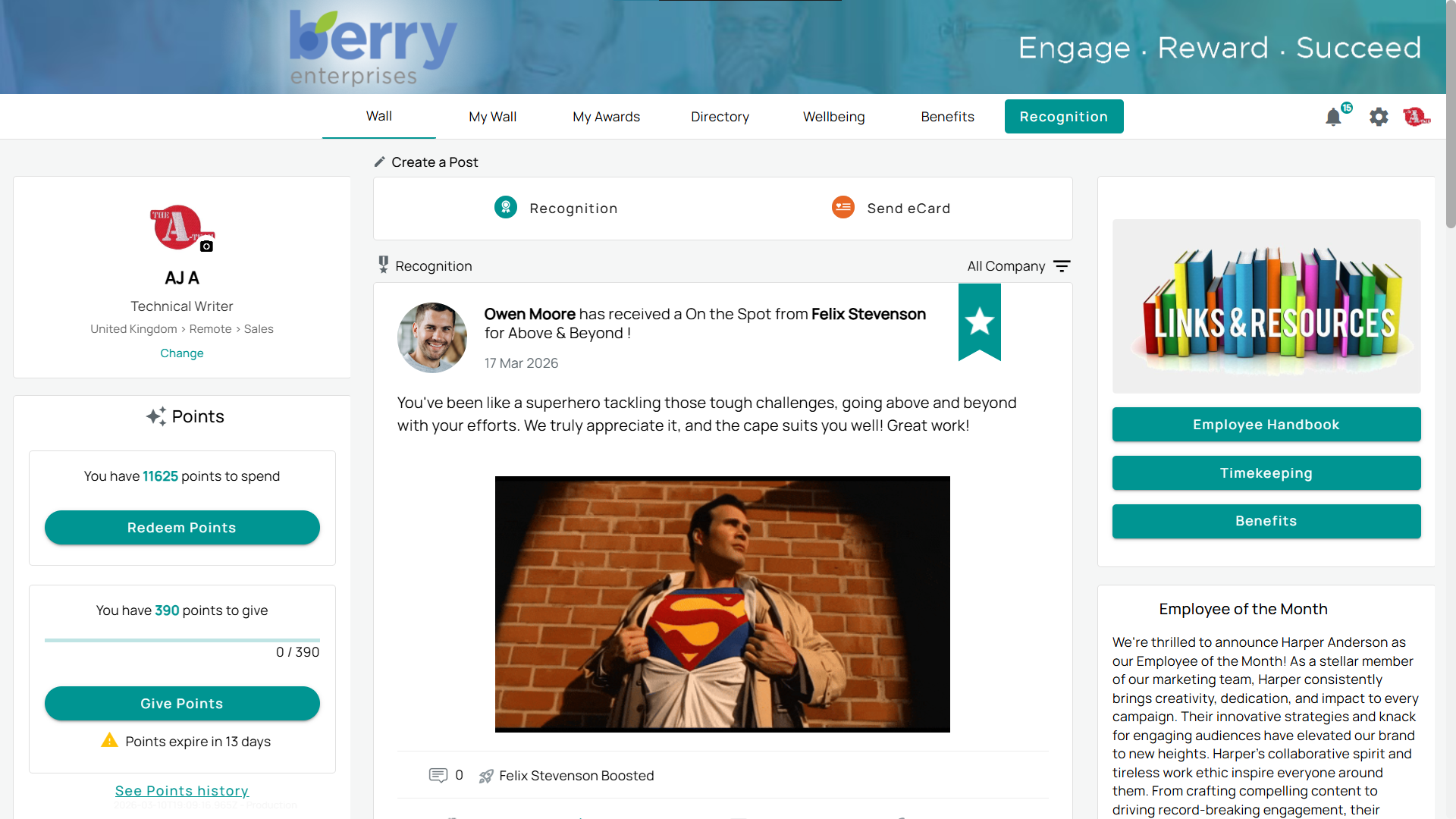
Be Recognized helps organizations foster a culture of appreciation by making recognition simple and meaningful. The Wall functions like a social feed, displaying real-time updates such as peer recognition, company announcements, birthdays, and service anniversaries. Employees can engage by giving applause, commenting, or boosting recognition with points (including Award and Core features). How you use the platform depends on your subscription tier:
Award: Send corporate awards to employees in recognition of workplace contributions and milestones.
Core: Celebrate service anniversaries automatically, with tools to manage and track milestone recognition (including Award features).
Plus: Give recognition through points, wall posts, and awards.
How Be Recognized Works at a Glance
Be Recognized uses a horizontal navigation bar at the top of the page that all users can access. The pages visible to you depend on your subscription tier:
Award and Core: My Awards, Directory
Plus: My Awards, Directory, Wall (or My Wall, depending on your program configuration)
Admin Tools
Admins and managers have additional access to admin tools via the Settings icon (gear icon in the upper right). Selecting this icon opens the admin sidebar on the left, where you can manage program settings, reports, and configurations. The tools available depend on your subscription tier and the features enabled for your program.
In the admin tools, each tab helps you take focused action:
- Approval Queue → Review and approve pending items before they go live.
- Recognition → Use recognition tools and track activity.
- Reporting → View reports and monitor outcomes.
- Communications → Manage notifications and messages.
- User Management → Add, edit, or remove participants.
- Awards → Create and manage award programs.
- Points → Track point balances across users.
- Integrations → Connect Be Recognized with other tools.
- Settings → Adjust account preferences.