Leaderboards
Leaderboards show how participants and teams are ranking in a challenge based on steps taken during the challenge dates. This article explains how individual and team leaderboards are calculated so you can track your standing and understand your team's score.
Individual Leaderboard
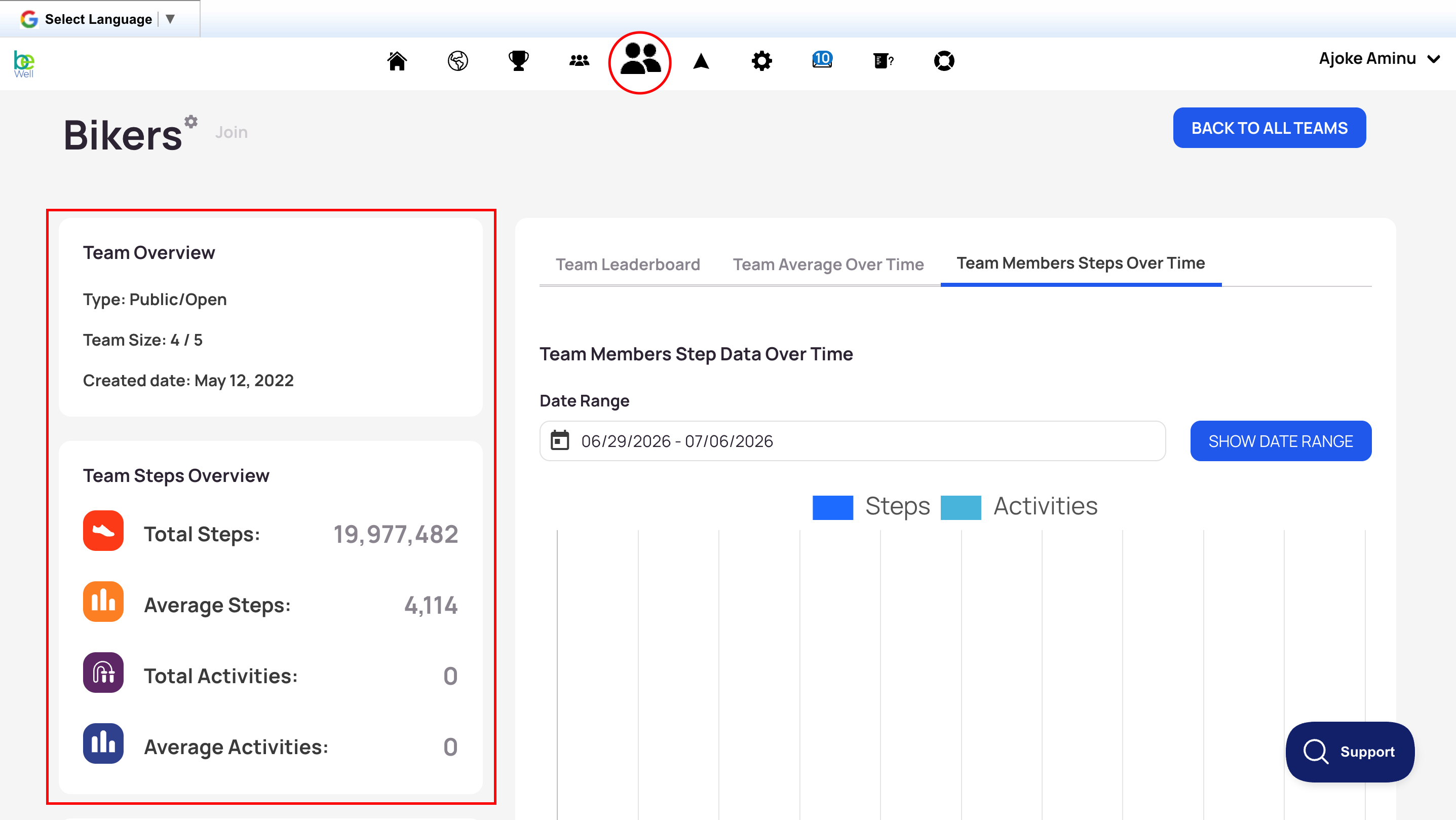
The leaderboard displays the top 10 individuals or teams with the most steps in a challenge. It only counts steps taken during the challenge dates.
The Pacer rabbit always appears at the top of the leaderboard. It moves by the number of steps set as the daily step goal and helps you gauge whether you're on track to reach the challenge's total step goal.
If you're not in the top 10, you'll see your own position listed below the top 10, along with the participant or team directly ahead of you and directly behind you in step progress.
Team Challenge Leaderboard
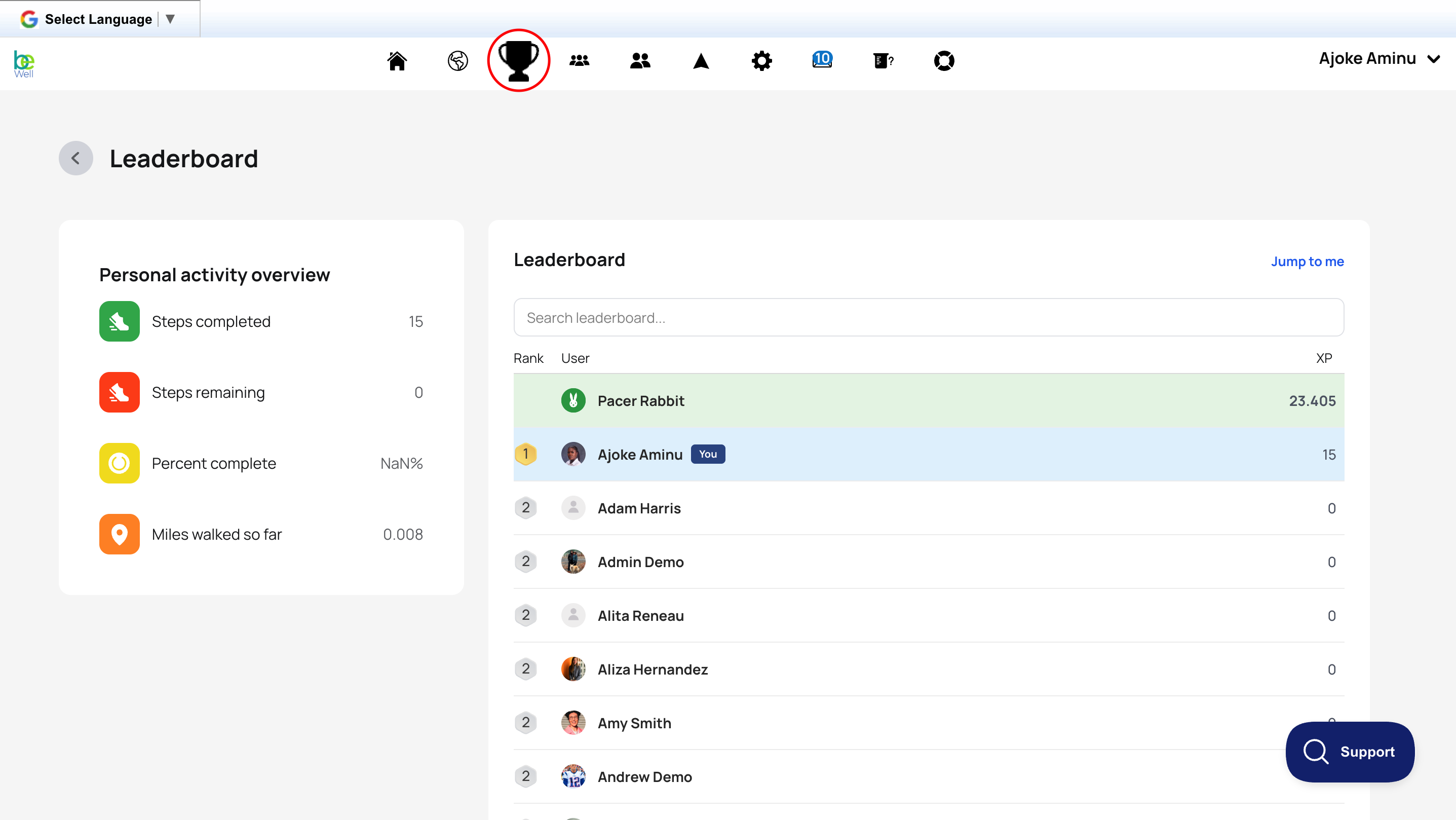
Team challenges are ranked by the team's aggregate average across the active dates of the challenge. Each day, the steps reported by all team members are added together and divided by the number of members on the team. Daily averages are then added together across the challenge to produce the aggregate average shown on the leaderboard.
Example
Day 1:
- Member 1: 7,000 steps
- Member 2: 3,000 steps
- Member 3: 15,000 steps
- Member 4: 0 steps
25,000 total steps ÷ 4 members = 6,250 average
If Member 3 leaves the team before Day 2, the average is calculated with the three remaining members:
Day 2:
- Member 1: 9,000 steps
- Member 2: 6,000 steps
- Member 4: 0 steps
15,000 total steps ÷ 3 members = 5,000 average
Adding Day 1's average (6,250) to Day 2's average (5,000) gives an aggregate average of 11,250.
Team Performance Overview
A member who isn't contributing steps lowers the team's average. If you notice this, check in with them because they may be having trouble syncing a device. If they're unresponsive, contact your program admin for help.
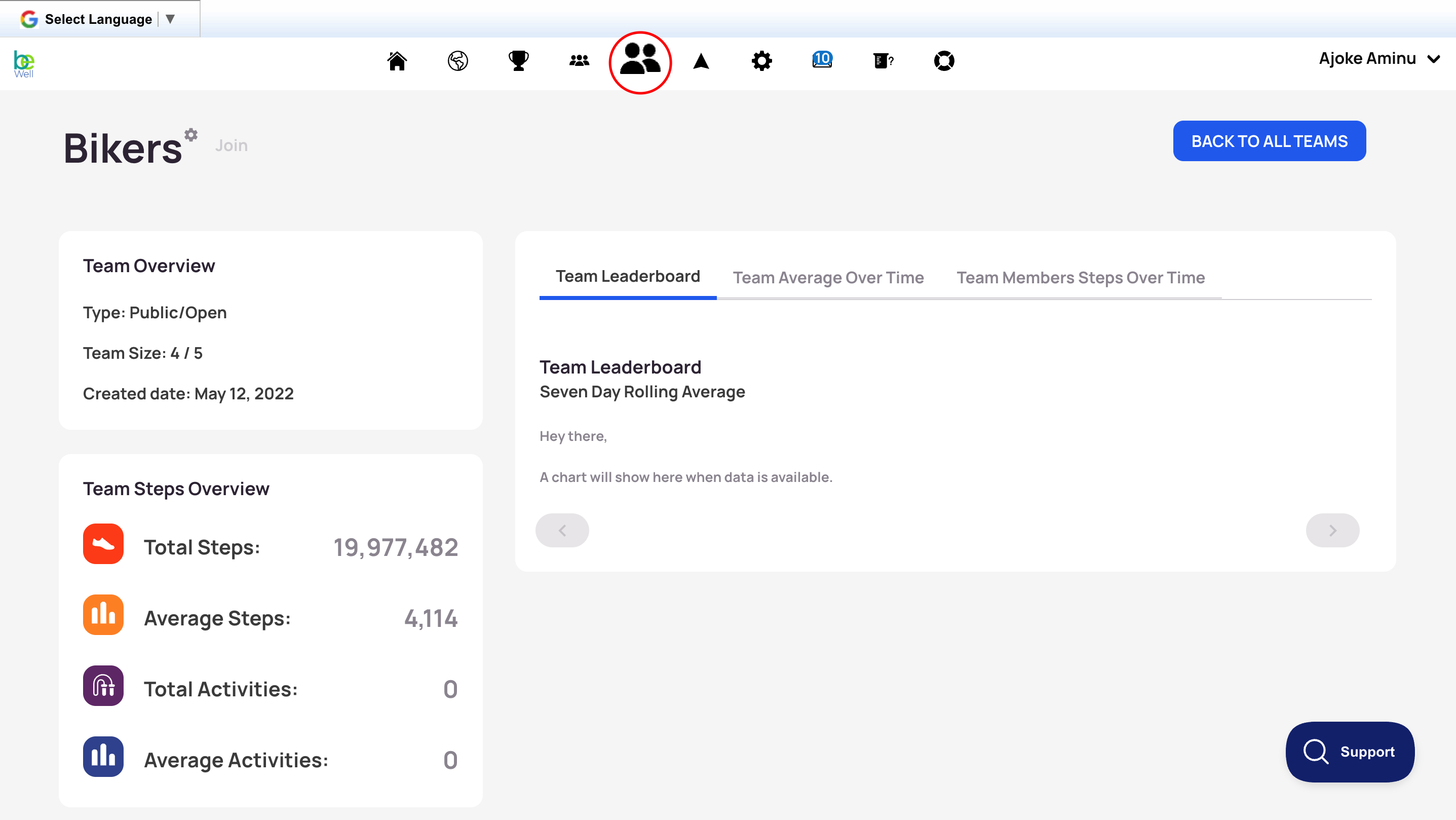
Note: Teams don't lose steps except when a member leaves, and that member takes that day's steps with them, albeit their contributions to previous days' averages continue to count toward the aggregate average. If a member joins an established team, only their steps from the day they join onward count toward the team.
The Team Performance View lets you check how your team is progressing within an active team challenge. This article explains where to find your team's live challenge standing and how it differs from the stats shown on your team page.
View Your Team's Progress in a Challenge
To see how your team is doing in a team challenge, open the challenge page: select the challenge icon, then select the challenge name. From the challenge page, you can view your team's progress in two ways:
- Scroll to the Leaderboard and find your team's name. If it isn't visible, select the next page of the leaderboard directly below it. Once you find your team's name, click it to see your team's current step count in the challenge.
- If the challenge has a virtual map, select Fly to Member and search for your team name. Select it to see your team's current steps in that challenge.
Team Page vs. Challenge Progress
Your team page shows stats tracked from the date your team was created. It does not show your team's progress within a specific challenge. To view challenge progress, always use the challenge page rather than the team page. You can confirm your team's creation date in the Team Overview window at the top left of your team page.