
Create a Survey
You can create a new survey on the All Surveys page or on the Survey Templates page.
From the All Surveys page, click + New Survey.
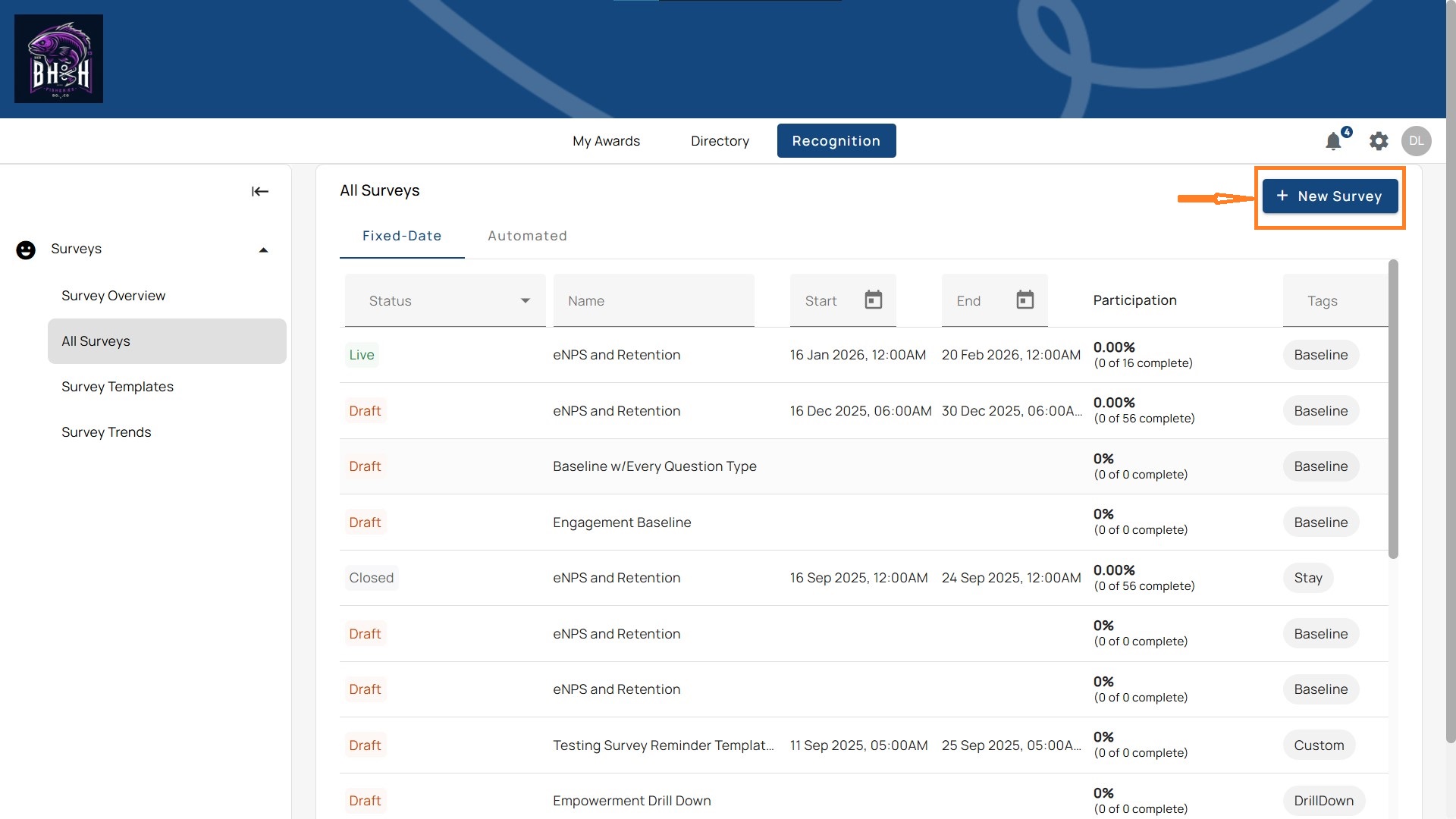
You’ll see three options for how to begin. These are designed to match different needs, whether you want complete control, a quick starting point, or AI support:
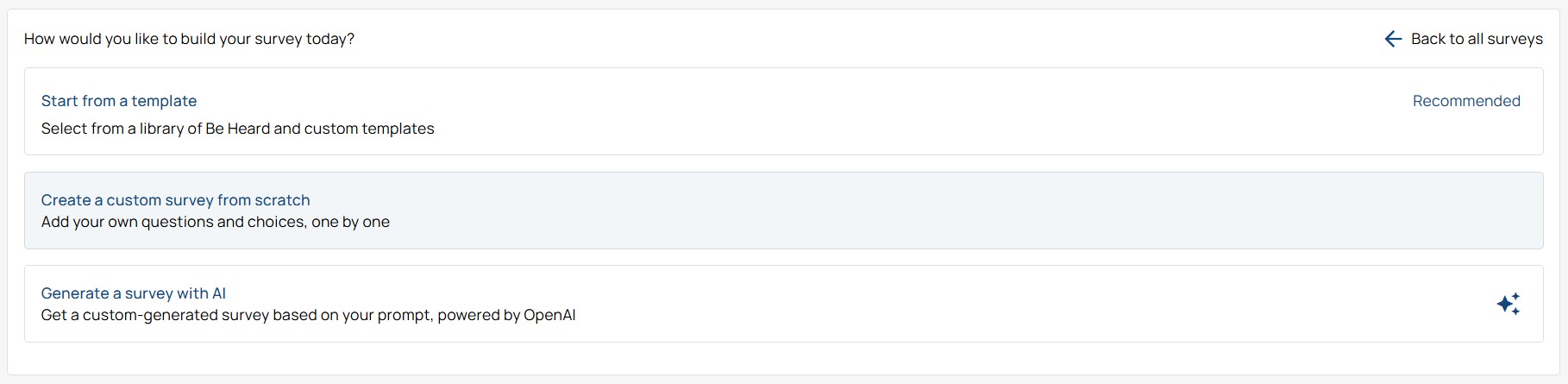
- Start from a Template (Recommended): Use a Be Heard template with pre-built question sets such as eNPS, engagement, or retention. You can also create a company template to match your specific needs.
- Create a Custom Survey from Scratch: build your own survey step by step, adding only the questions and response formats that align with your goals and unique challenges.
- Generate Survey with AI: Enter a short description of what you want to measure. The system creates a draft survey you can adjust before launch.
Note: All three options lead into the survey builder, each starting at a different level of readiness. If you’re launching your first survey, Start from a Template is the most straightforward way.