
Joining a Challenge
Challenges are time-based events where individuals or teams work toward a shared step goal. Only steps recorded during the challenge dates count toward your results. This guide covers how to join an individual challenge from the mobile app or your browser, and how joining a team challenge differs.
Before you join, it helps to understand what you're looking at. At the top of any challenge page you'll see the challenge name and its date range, along with one of three states: a button to join, a confirmation that you've already joined, or a note explaining that joining isn't currently available. Below that, a virtual map tracks your progress along the challenge route and shows how you compare to other participants.
Joining an Individual Challenge
On the mobile app (iPhone or Android)
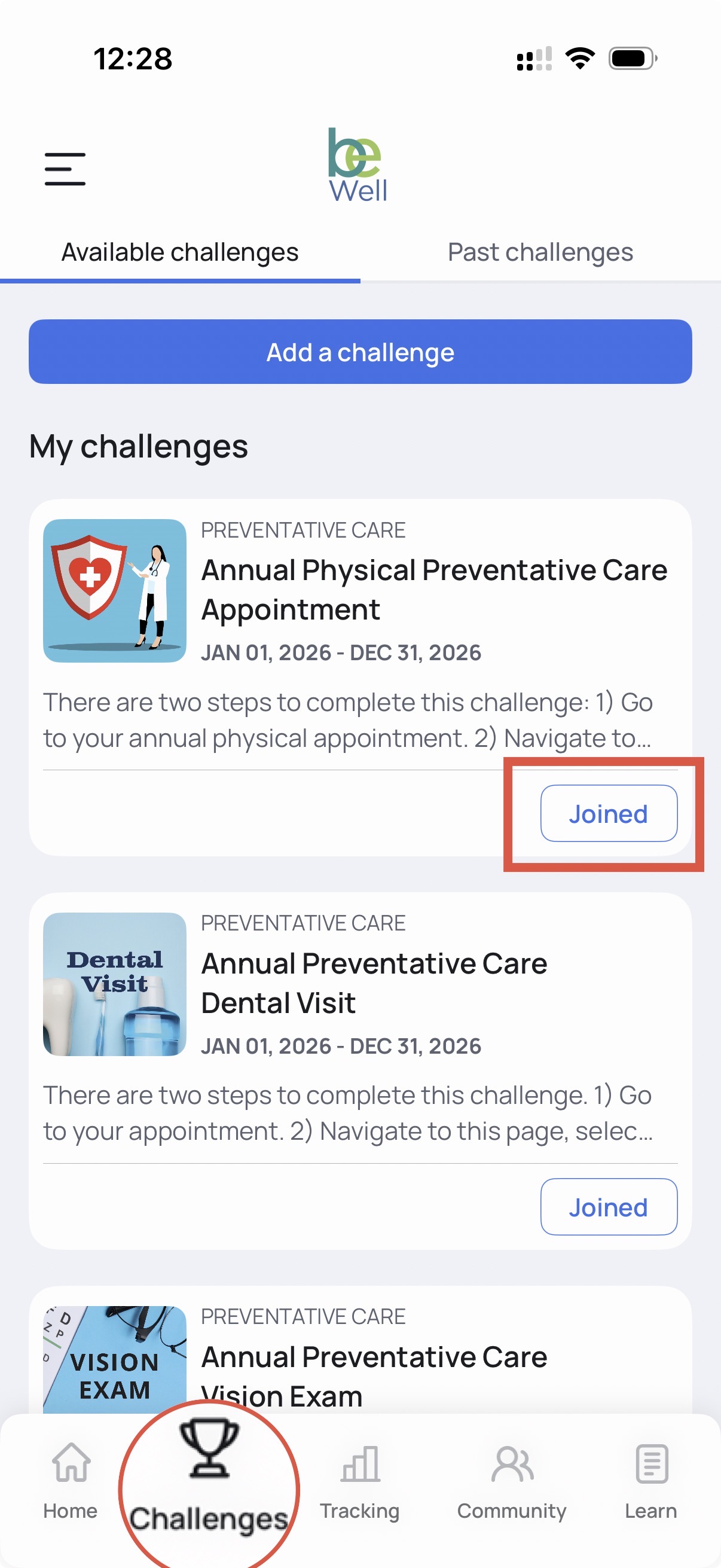
- Open the Challenge tab by selecting the trophy icon.
- Select the Join tab.
- On the challenge you want to join, tap Join this Challenge.
In your browser
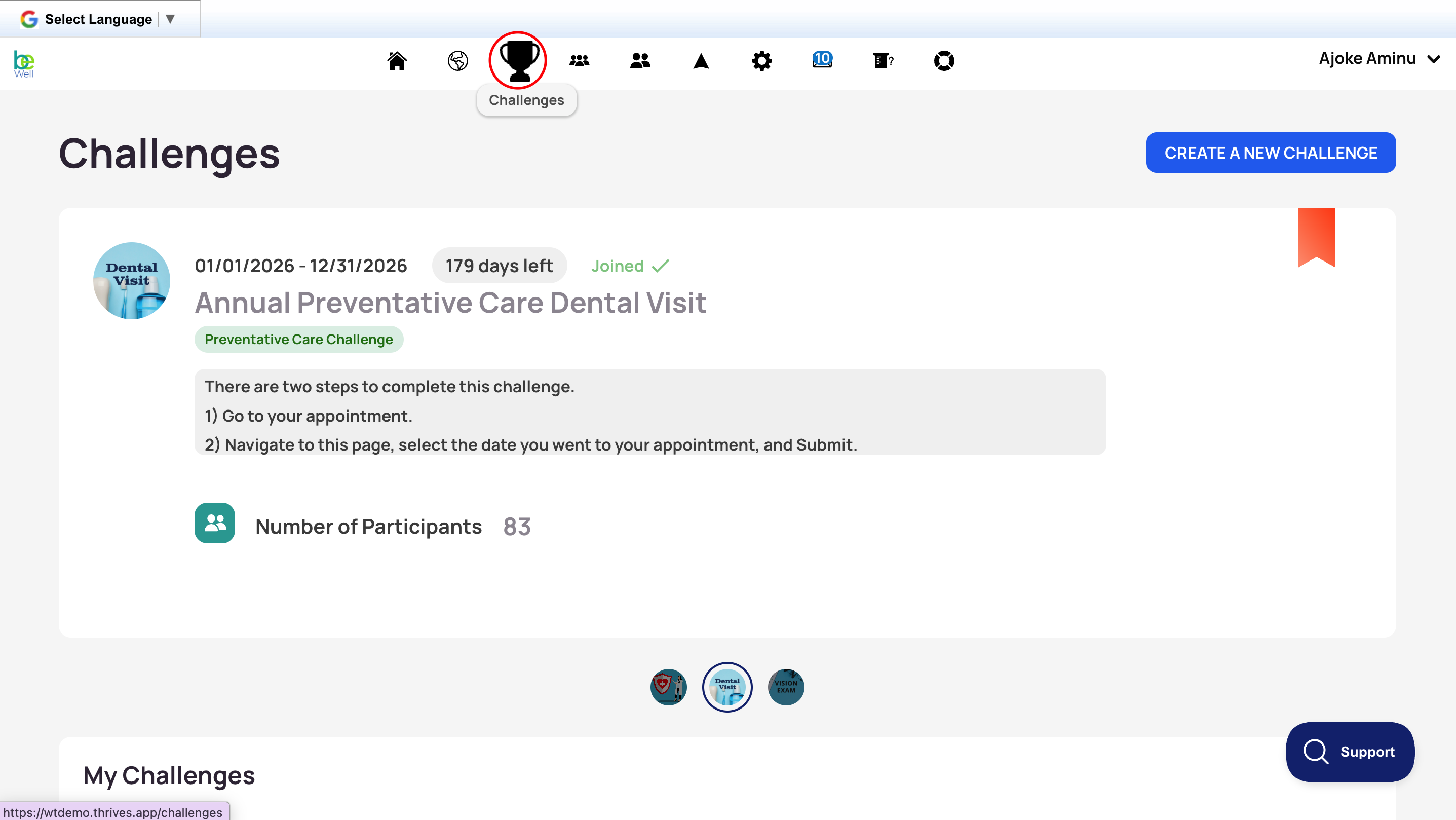
- Open the Challenge tab by selecting the trophy icon in your menu.
- Locate the challenge you want to join. Your program's main challenge is usually Featured and appears at the top of the list.
- Click Join below the challenge title. The challenge will now appear in your list of active challenges.
If you can't join an individual challenge, it may be closed to registration or not yet open. Contact your program administrator for more information.