Program Settings
Program Settings are the general settings that control how your Be Well program behaves. You can adjust them at any time.
Note: If you make changes to Program Settings while a challenge is active, your challenge will likely be affected.
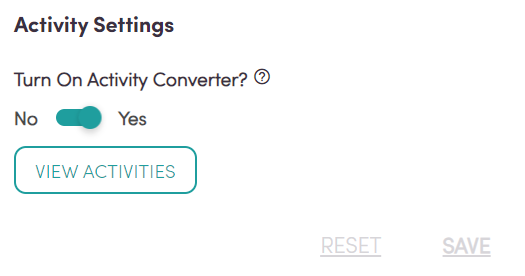
Enforce Step Goal
The Enforce Step Goal setting determines whether your program applies a single step goal to everyone or lets participants set their own.
When enforced, every participant's personal step goal is set to the value you choose, and participants see this goal on their Home tab. When not enforced, participants set their own personal goal. This is separate from a challenge's step goal, which you set when you create a challenge. The two goals don't mix, and you can view their results separately in reporting.
Whether or not the goal is enforced, you can download the Program Summary report and reference the "Current Step Goal" column to see either the enforced goal or the participant's own goal, and the "Days Goal Met" column to see how many days a participant reached it.
Activity Settings
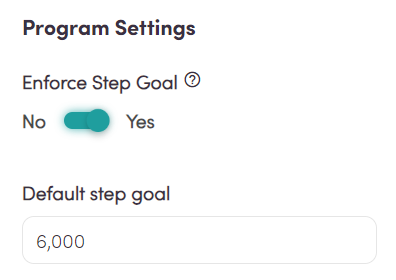
The Activity Converter lets participants log movement that a basic pedometer can't detect, such as cycling or swimming. Conversions are scientifically calculated, translating the time spent on an activity into an approximate step count.
You can edit the Activity Converter at any time, including during an active challenge. If you remove an activity from the list, participants will no longer be able to log it.